Bad bookkeeping is one of the most common reasons small businesses fail, not because the business itself is unprofitable, but because the owner does not know whether it is profitable or not.
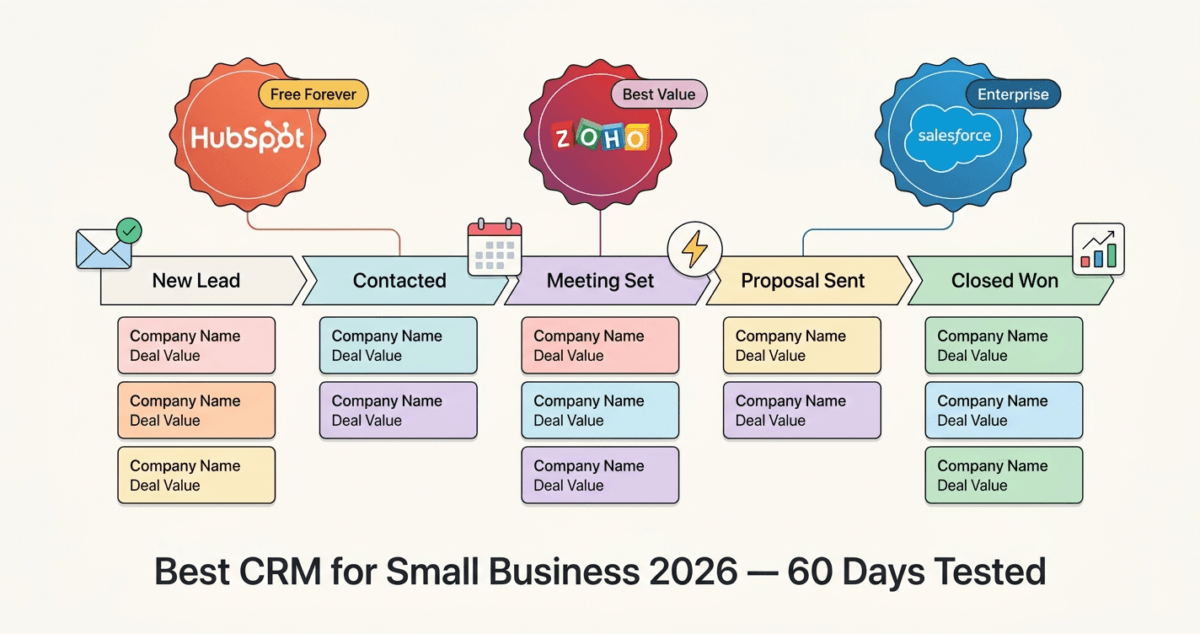
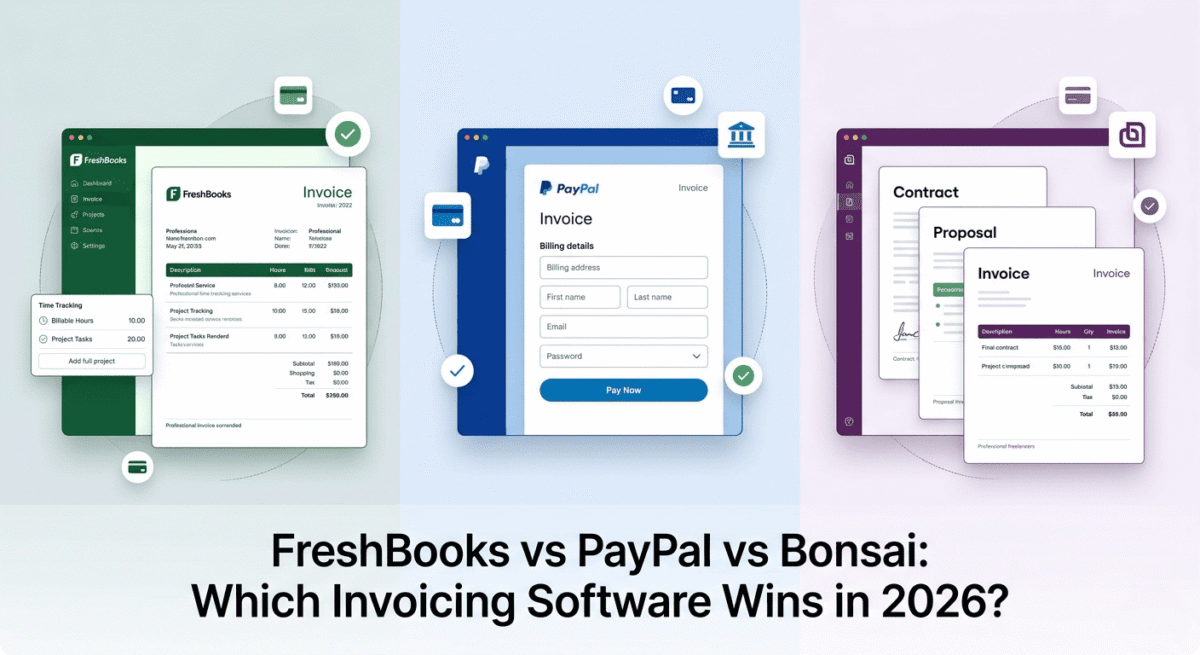
In 2026, there is no excuse for not knowing your numbers. Modern accounting software handles invoicing, expense tracking, tax preparation, payroll, and financial reporting automatically. If your primary need is sending bills and getting paid without complex double-entry workflows, look at our comparison of the best invoicing software freelancers 2026. Work that used to require hiring a bookkeeper now takes minutes per week.
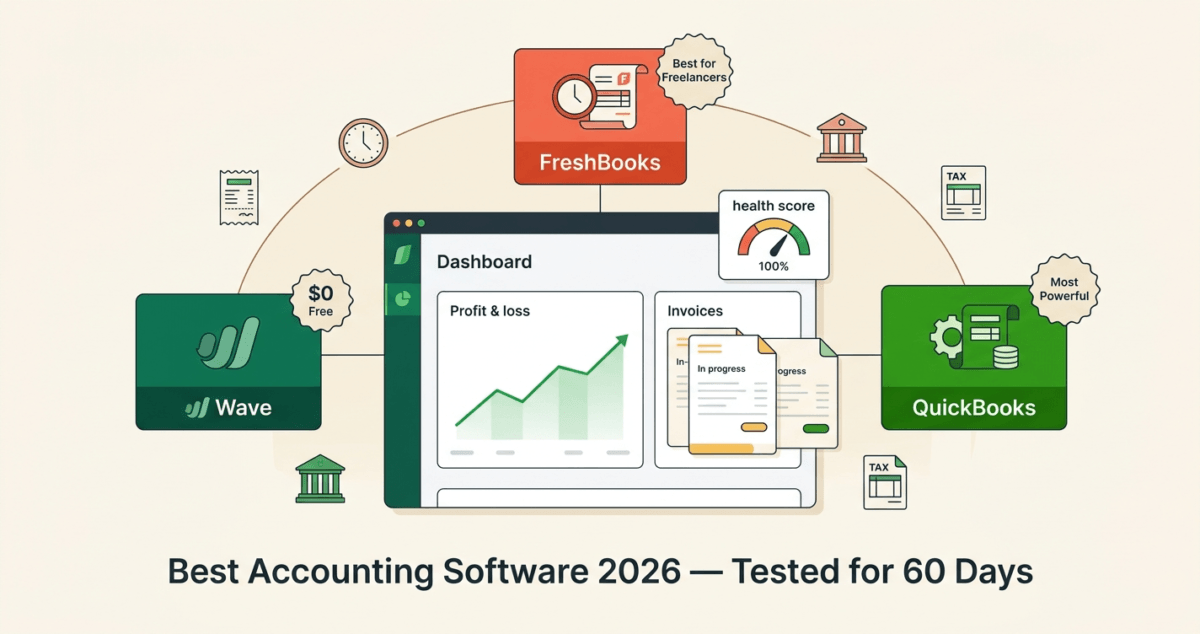
The challenge is choosing the right tool. QuickBooks is the industry standard. FreshBooks is the favourite of freelancers and service businesses. Wave is completely free. I tested all three, QuickBooks vs FreshBooks vs Wave, for 60 days on real business finances. Here is the honest comparison.
Table of Contents
How We Evaluated These Tools
Every platform was tested across five criteria:
– Ease of use: how quickly can a non-accountant set up the software and start using it?
– Invoicing: quality of invoice creation, customisation, and payment collection
– Expense tracking: bank connection, receipt capture, and categorisation
– Reporting: profit and loss, cash flow, tax reports, and financial dashboards
– Value: free plan quality and paid plan pricing versus features offered
Why Accounting Software Matters for Bloggers and Small Business Owners
Before comparing tools, a note on why this matters, especially for bloggers and content creators reading this guide.
The moment your blog earns its first dollar from AdSense or an affiliate commission, you are running a business. That income is taxable. Your hosting fees, software subscriptions, and home office expenses may be deductible. Without accounting software, you have no reliable record of either. If you are in the early stages, learn how to start a blog in 2026 and begin earning.
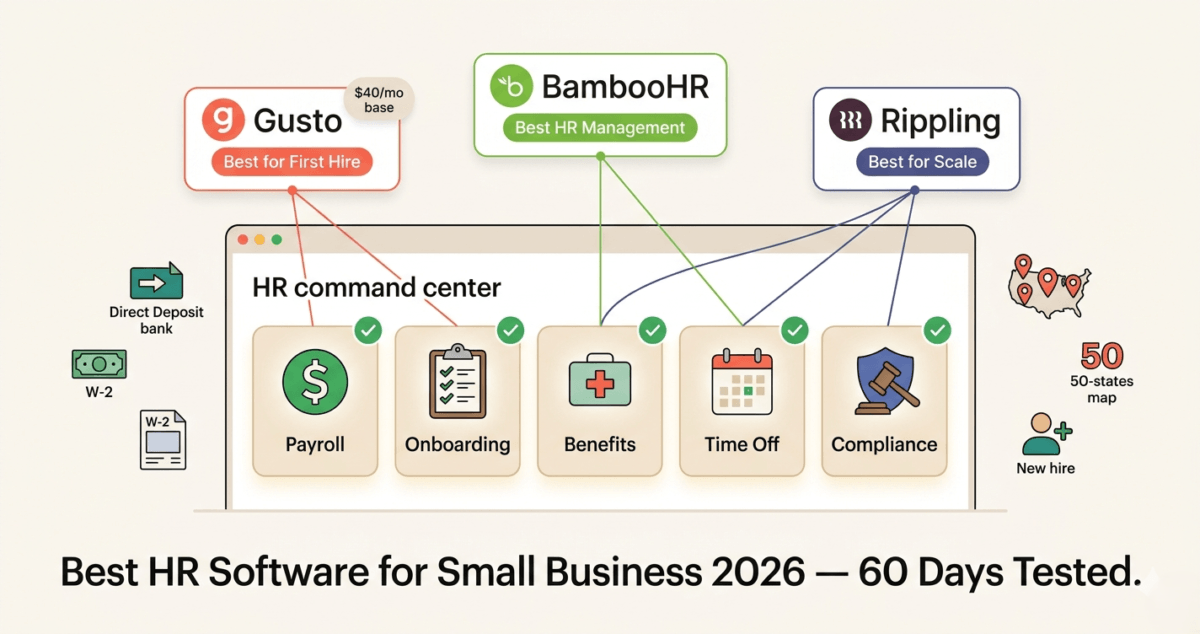
Accounting software also makes AdSense and affiliate income easier to manage. When tax season arrives, having a clean profit and loss statement showing income from each affiliate program, expenses like hosting and tools, and net profit takes hours instead of weeks. And if your blog grows to the point where you hire a virtual assistant or freelance writer, accounting software handles payroll and contractor payments automatically. For teams expanding beyond contractors into full-time staff, you should evaluate dedicated best HR software small business 2026 to remain fully tax-compliant.
QuickBooks Online Review: Best Accounting Software for Growing Small Businesses
Free plan: No (30-day free trial)
Starting price: $17.50/month (Simple Start, promotional), renews at $35/month
Best plan for most users: Essentials, $55/month (3 users, bill management, time tracking)
Platforms: Web, iOS, Android, Windows desktop (QuickBooks Desktop, separate product)
Affiliate program: Yes, up to $100 per referral via the QuickBooks affiliate program
QuickBooks Online is the most widely used small business accounting software in the world, and for good reason. It is the most comprehensive tool on this list, handling everything from basic invoicing to payroll, inventory management, and detailed financial reporting. If your accountant or bookkeeper uses any accounting software, there is a strong chance they use QuickBooks.
What QuickBooks does best
QuickBooks Online’s reporting is the strongest of the three tools by a significant margin. The profit and loss statement, balance sheet, cash flow statement, and hundreds of other reports are generated automatically from your transactions, giving you a real-time picture of your business finances at any moment.
The Chart of Accounts, the backbone of any accounting system- is fully customisable in QuickBooks. You can categorise income and expenses exactly the way your business operates, making tax preparation accurate and straightforward.
Bank connections are excellent. QuickBooks connects to thousands of banks and credit cards worldwide, pulling transactions automatically and matching them to invoices and expenses with AI-assisted categorisation. In our testing, QuickBooks correctly categorised over 85% of transactions automatically, reducing manual data entry to a minimum.
The invoicing system is professional and flexible. You can create branded invoices, set up recurring invoices for regular clients, accept payments via credit card, ACH bank transfer, and PayPal directly through QuickBooks, and automatically send payment reminders to overdue clients.
QuickBooks also handles payroll (as a paid add-on), inventory tracking, profitability tracking, 1099 contractor management, features that FreshBooks and Wave do not match at the same depth.
QuickBooks and tax preparation
Tax season is where QuickBooks earns its subscription fee for most users. The software categorises expenses into tax-relevant categories (advertising, equipment, professional services, travel) automatically. At year end, exporting a complete profit and loss statement for your accountant takes one click. TurboTax integrates directly with QuickBooks, importing your business income and expenses automatically.
For bloggers, QuickBooks automatically separates affiliate income by source if transactions are tagged correctly, meaning your accountant sees exactly how much came from NordVPN commissions, how much from AdSense, and how much from each affiliate program. This level of detail makes tax filing faster and often identifies deductions that manual bookkeeping misses.
Where QuickBooks falls short
QuickBooks is the most expensive option on this list. The Simple Start plan at $35/month (after promotional period) limits you to one user and basic features. The Essentials plan at $55/month adds bill management and three users. The Plus plan at $85/month adds inventory and project tracking.
For freelancers and very small businesses, this pricing can feel steep, particularly when Wave offers solid accounting for free. QuickBooks is worth the price when your business complexity justifies it, but for a simple one-person blog or freelance operation, it may be overkill. To save on other expenses, you can also browse our selection of the best free software tools in 2026.
The interface, while powerful, has a steeper learning curve than FreshBooks. New users occasionally find the terminology confusing: debits, credits, chart of accounts, journal entries, if they have no accounting background.
QuickBooks pricing
Plan | Promotional price | Regular price | Users | Key features |
Simple Start | $17.50/mo | $35/mo | 1 | Invoicing, expenses, basic reports |
Essentials | $32.50/mo | $65/mo | 3 | + Bill management, time tracking |
Plus | $49.50/mo | $99/mo | 5 | + Inventory, project tracking |
Advanced | $117.50/mo | $235/mo | 25 | + Business analytics, dedicated support |
QuickBooks: Pros and Cons
Pros:
– Most comprehensive accounting software for small businesses, industry standard
– Best financial reporting, hundreds of customisable reports
– Excellent bank connections with AI-assisted transaction categorisation
– Direct integration with TurboTax for seamless tax filing
– Handles payroll, inventory, 1099s, and project profitability
– Widely used by accountants, easy to collaborate with your bookkeeper
– Up to $100 per referral on affiliate program
Cons:
– Most expensive of the three tools, $35–$99/month after promotional period
– Steeper learning curve for non-accountants
– Promotional pricing doubles at renewal, read the fine print
– Overkill for very simple businesses or sole traders
– No meaningful free plan, 30-day trial only
– Customer support quality inconsistent, long wait times reported
Rating: 4.5 / 5 Best accounting software for growing small businesses with complex needs. Worth the price when your business has employees, inventory, or multiple income streams.
FreshBooks Review: Best Accounting Software for Freelancers and Service Businesses
Free plan: No (30-day free trial)
Starting price: $7.60/month (Lite, promotional), renews at $19/month
Best plan for most users: Plus, $13.20/month promotional, renews at $33/month
Platforms: Web, iOS, Android
Affiliate program: Yes, up to $55 per referral plus $10 per trial signup
FreshBooks was built specifically for service-based businesses and freelancers, designers, writers, consultants, coaches, photographers, and anyone who bills clients for time or project work. It does not try to match QuickBooks feature-for-feature. Instead, it focuses on being the most user-friendly accounting tool available for people who are not accountants.
What FreshBooks does best
FreshBooks produces the most beautiful, professional invoices of the three tools tested. The invoice editor is drag-and-drop, templates are modern and customisable with your logo and brand colours, and the client-facing invoice portal is polished enough that clients regularly comment on how professional it looks.
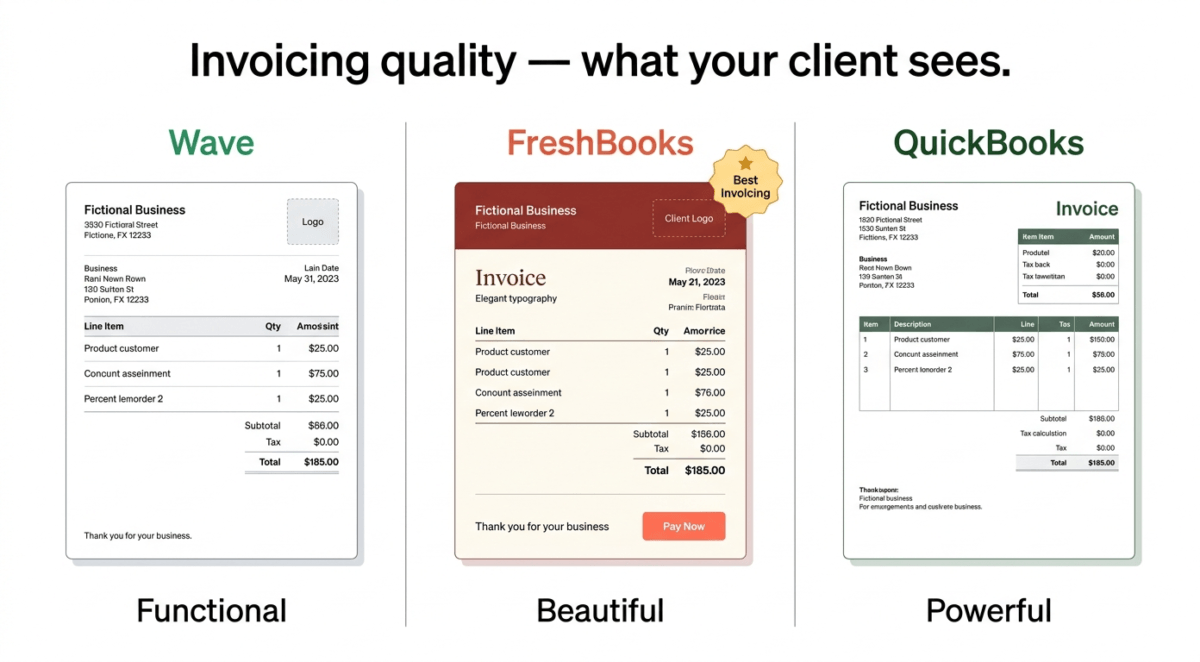
The invoicing workflow is seamless: create an invoice, send it directly from FreshBooks, track when the client opens it, accept payment via credit card or bank transfer, and automatically send overdue reminders, all without leaving the platform. For freelancers who invoice clients regularly, this streamlined workflow saves meaningful time every week.
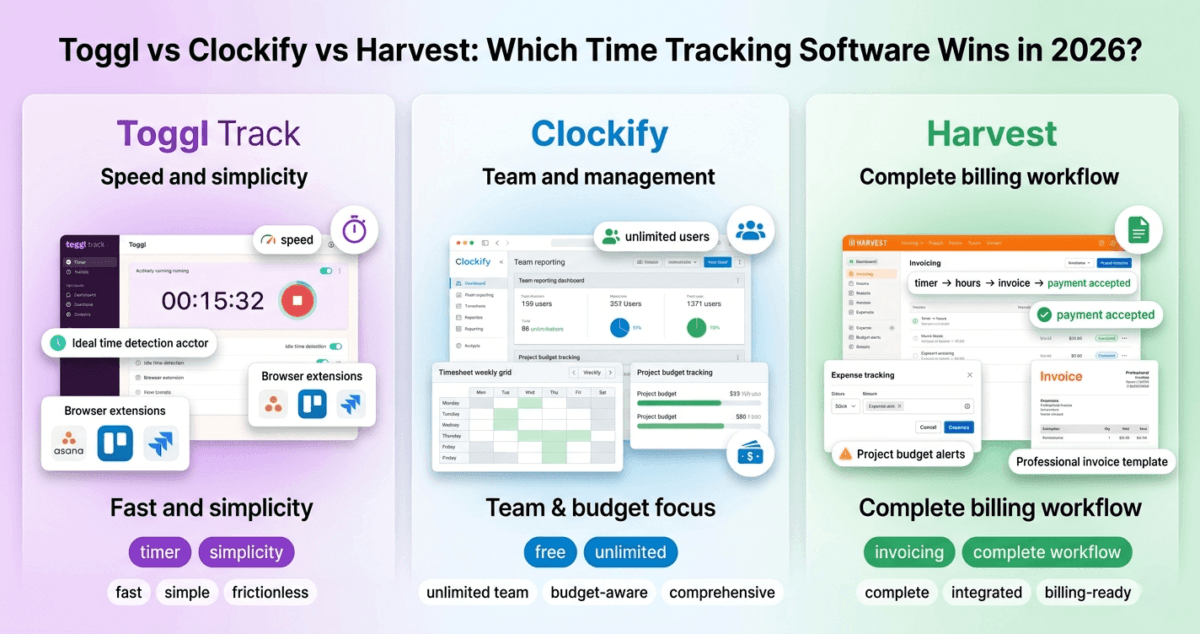
Time tracking is built directly into FreshBooks, a significant advantage over QuickBooks, which requires a paid add-on for time tracking. If you prefer using an independent, standalone tracking application that integrates with your existing workspace, browse our evaluation of the best time tracking software in 2026. You can track time against specific projects and clients, and convert tracked time into an invoice with one click. For anyone who bills by the hour, this integration is invaluable.
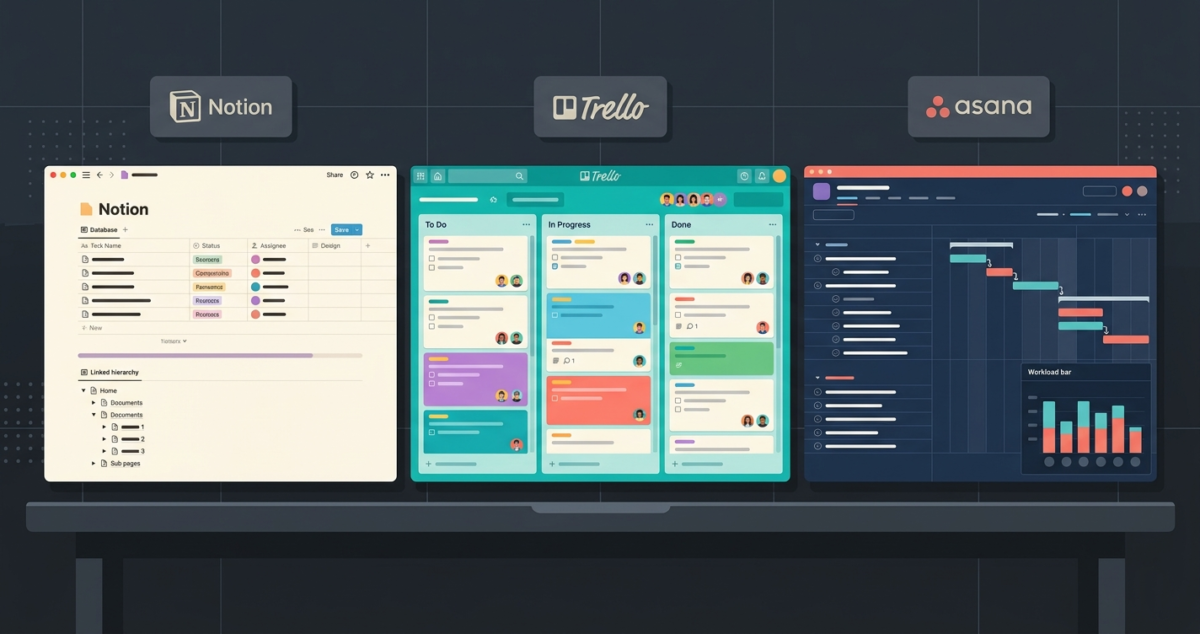
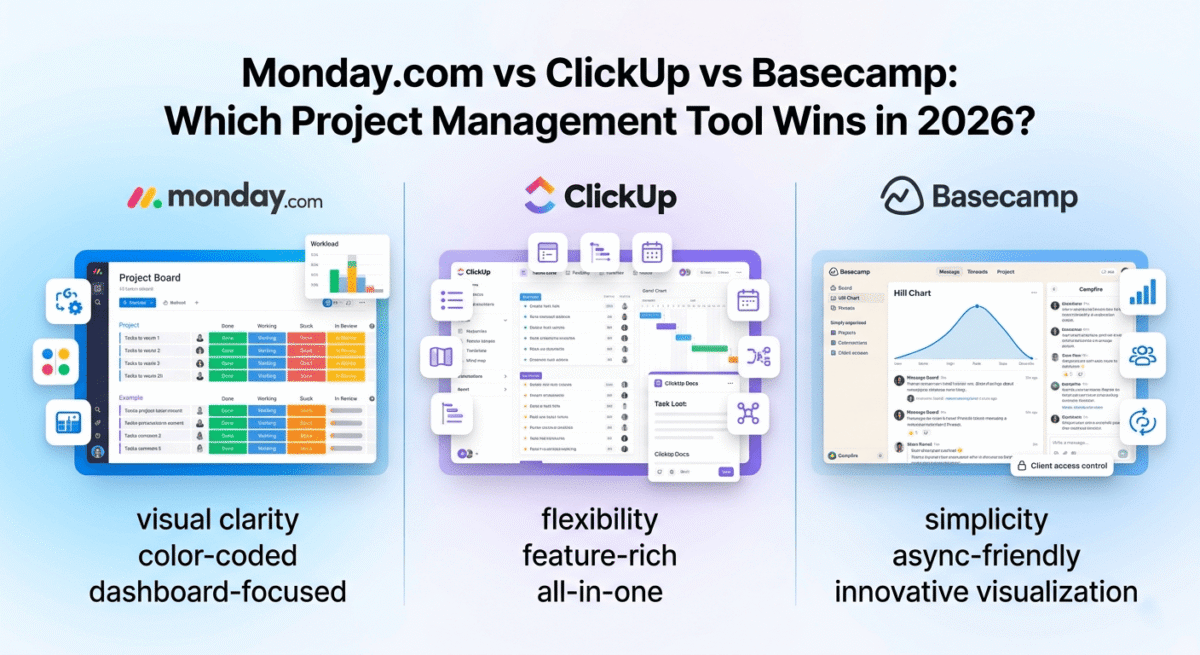
Project management features are also built in. You can create projects, assign team members, set budgets, track expenses against projects, and monitor profitability per project, all inside FreshBooks. This makes it a genuine project management and accounting tool in one for small service businesses. However, if your growing team requires advanced project workflows like deep Kanban boards, task dependencies, or extensive documentation wikis, you should couple your financials with a standalone system from our review of the best project management software in 2026.
FreshBooks’ mobile app is the best of the three tools, fast, well-designed, and full-featured. Capturing receipts by photographing them, logging time, and sending invoices from your phone all work smoothly. For freelancers who work on the go, the mobile experience matters, and FreshBooks delivers it.
Ease of use
FreshBooks is designed for business owners who are not accountants, and it shows in every design decision. The terminology is plain English, not accounting jargon. “Money In” and “Money Out” replace debits and credits. The dashboard shows you immediately what you have earned, what you are owed, and what you owe, without requiring any accounting knowledge to interpret.
In our testing, a new user was creating and sending their first professional invoice within 15 minutes of signing up. No tutorial required.
Where FreshBooks falls short
FreshBooks is a service business tool; it is not built for product-based businesses with inventory. If you sell physical products, track stock levels, or need purchase orders and inventory management, FreshBooks is not the right choice.
The reporting is solid for basic needs, profit and loss, tax summary, expense reports, but it does not match QuickBooks’ depth. Power users who need detailed financial analysis, custom report builders, or complex multi-entity reporting will find FreshBooks limiting.
FreshBooks also limits the number of billable clients on its lower plans. The Lite plan allows only five billable clients, which is inadequate for anyone with more than a handful of regular clients.
FreshBooks pricing
Plan | Promotional price | Regular price | Billable clients | Key features |
Lite | $7.60/mo | $19/mo | 5 | Invoicing, expenses, time tracking |
Plus | $13.20/mo | $33/mo | 50 | + Recurring invoices, proposals, reports |
Premium | $24/mo | $60/mo | Unlimited | + Team members, project profitability |
Select | Custom | Custom | Unlimited | + Dedicated account manager |
FreshBooks: Pros and Cons
Pros:
– Most beautiful and professional invoicing of the three tools
– Built-in time tracking, essential for hourly billing freelancers
– Best mobile app for on-the-go business management
– Project management built in, tracks budgets and profitability per project
– Easiest to use, designed for non-accountants with a plain English interface
– Excellent client portal, clients can view invoices, make payments, and message you
– Accepts payments via credit card, ACH, PayPal, and Stripe
– Proposals feature: create and send project proposals that convert to invoices
Cons:
– Limited to 5 billable clients on Lite plan, inadequate for many freelancers
– Not suitable for product-based businesses with inventory needs
– Reporting less deep than QuickBooks
– Promotional pricing doubles at renewal
– Payroll requires a third-party integration (Gusto) not built in
– More expensive than Wave for equivalent basic features
Rating: 4.6 / 5 Best accounting software for freelancers and service businesses. The invoicing and time tracking combination is unmatched.
Wave Review: Best Free Accounting Software
Free plan: Yes, truly free accounting, invoicing, and receipt scanning
Paid features: Payroll, $20/month base + $6/employee | Payments, 2.9% + $0.60 per credit card transaction
Platforms: Web, iOS, Android
Best for: Freelancers, bloggers, solo entrepreneurs, and very small businesses with simple finances
Wave is the most surprising tool on this list. It offers genuine, full-featured accounting software completely free, with no artificial limits on transactions, no invoice caps, no storage restrictions. The free plan includes everything most small businesses and freelancers actually need.
What Wave does for free
Wave’s free plan includes:
– Unlimited invoicing with customisable templates
– Unlimited expense tracking
– Bank and credit card connections (automatic transaction import)
– Double-entry accounting (the same accounting standard used by QuickBooks)
– Profit and loss reports, balance sheet, and cash flow statement
– Receipt scanning via mobile app
– Unlimited customer and vendor records
– Multi-currency support
– Accountant access (invite your accountant to view your books)
This is not a stripped-down trial, it is a complete accounting system. For a blogger tracking AdSense income, affiliate commissions, and hosting expenses, Wave free handles everything without costing a single dollar.
How Wave makes money
Wave is free because it earns revenue from optional paid features: payment processing (2.9% + $0.60 per credit card transaction, standard market rate) and payroll ($20/month base + $6 per employee per month). These are pay-as-you-use features you only need if you want them.
The payment processing fee is competitive with Stripe and PayPal, not a premium for using Wave. You can use Wave’s free invoicing and connect a separate payment processor (PayPal, Stripe, bank transfer) without paying Wave anything.
Where Wave falls short
Wave’s interface, while functional, is less polished than FreshBooks and can feel dated compared to QuickBooks Online’s modern dashboard. The mobile app is usable but significantly less refined than FreshBooks’ mobile experience.
Customer support on the free plan is limited to a help centre and community forum, with no live chat or phone support. For users who encounter problems, self-service support can be frustrating. Wave Pro ($16/month) adds live chat and email support, automated bank reconciliation, and automated receipt scanning.
Reporting is adequate for basic needs but less customisable than QuickBooks. Complex financial analysis, custom report builders, and detailed forecasting are not available.
Wave also lacks a built-in time tracking feature, a notable gap for freelancers who bill by the hour and a clear disadvantage versus FreshBooks.
Payroll is only available in the United States and Canada, international users cannot use Wave’s payroll feature.
Wave pricing
Feature | Price |
Accounting & invoicing | Free forever |
Wave Pro (enhanced features) | $16/month |
Payment processing (credit card) | 2.9% + $0.60 per transaction |
Payment processing (bank transfer) | 1% per transaction ($1 minimum) |
Payroll (US/Canada only) | $20/month + $6/employee |
Wave: Pros and Cons
Pros:
– Completely free accounting and invoicing, no artificial limits
– Double-entry accounting standard, same as QuickBooks
– Bank connections with automatic transaction import
– Full financial reports (P&L, balance sheet, cash flow) at no cost
– Receipt scanning via mobile app
– Multi-currency support on free plan
– Perfect for bloggers, freelancers, and solo entrepreneurs with simple finances
– Accountant access on free plan
Cons:
– Less polished interface than FreshBooks and QuickBooks
– Limited customer support on free plan, help centre only
– No built-in time tracking for hourly billing
– Payroll is only available in the US and Canada
– Fewer integrations than QuickBooks
– Wave Pro ($16/month) required for premium support and automation features
– Not suitable for businesses with employees outside US/Canada or inventory management needs
Rating: 4.4 / 5 Best free accounting software. Genuinely impressive for zero cost, the right starting point for most bloggers and solo entrepreneurs.
Head-to-Head Comparison
QuickBooks Essentials | FreshBooks Plus | Wave Free | |
Price | $65/mo (regular) | $33/mo (regular) | $0 |
Free plan | No | No | Yes (full features) |
Invoicing | Excellent | Best in class | Good |
Time tracking | Add-on | Built in | No |
Expense tracking | Excellent | Good | Good |
Bank connections | Excellent | Good | Good |
Financial reporting | Best in class | Good | Adequate |
Inventory management | Yes (Plus plan) | No | No |
Payroll | Add-on | Third-party | US/Canada only |
Mobile app | Good | Excellent | Adequate |
Customer support | Phone, chat, email | Phone, chat, email | Help centre (free) |
Best for | Growing businesses | Freelancers | Solo entrepreneurs |
Affiliate commission | Up to $100 | Up to $55 | None |
Which Accounting Software Should You Choose?
Choose Wave if:
You are a blogger, freelancer, or solo entrepreneur with straightforward finances. Wave’s free plan handles invoicing, expense tracking, bank connections, and financial reports at zero cost, everything most content creators and small business owners actually need. Start here, and only switch when you outgrow it.
Choose FreshBooks if:
You are a freelancer or service business owner who bills clients for time or project work. The built-in time tracking, beautiful invoicing, project profitability tracking, and excellent mobile app make FreshBooks the best tool for service-based businesses. Particularly valuable if you juggle multiple clients and need to track hours accurately.
Choose QuickBooks if:
Your business has grown to the point of complexity, with employees, inventory, multiple income streams, or a dedicated accountant. QuickBooks’ reporting depth, bank connection quality, and industry-standard status make it the right choice for businesses that have outgrown simpler tools. It is also the best choice if your accountant already uses QuickBooks.
Our Recommended Path for Bloggers
Stage 1: (Blog launch, Months 1 to 6) Use Wave free. Track your hosting expenses, domain costs, and software subscriptions as expenses. Track AdSense payments and affiliate commissions as income. Generate a profit and loss report at year-end for tax filing. Cost: $0.
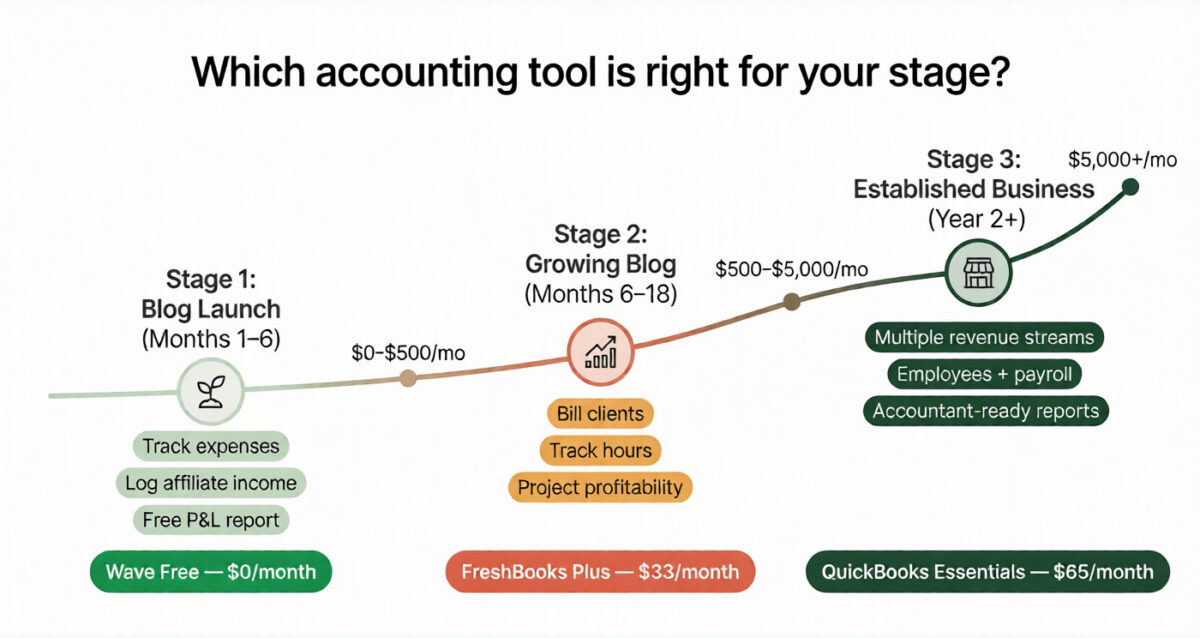
Stage 2: (Growing blog, Months 6 to 18): Stay on Wave free or upgrade to FreshBooks Plus if you start freelancing alongside the blog (writing, consulting, content creation for clients). FreshBooks’ time tracking and professional invoicing become valuable when you have paying clients. Cost: $33/month.
Stage 3 (Established business, Year 2+) Consider QuickBooks Essentials when you have employees, multiple revenue streams, or complexity that Wave and FreshBooks cannot handle. Your accountant will thank you. Cost: $65/month.
Final Verdict
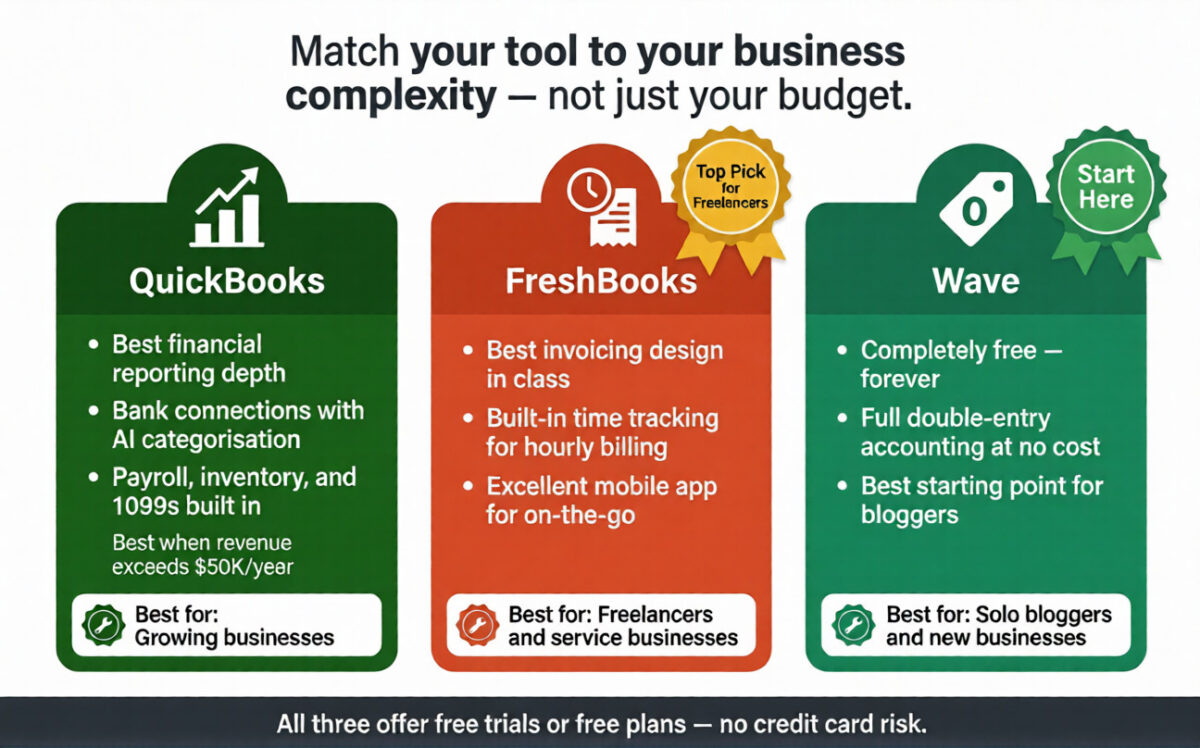
Wave is the right starting point for most bloggers and solo entrepreneurs. A genuinely free, fully-featured accounting tool that handles everything a content creator needs, at zero cost, is a remarkable offering. There is no reason to pay for accounting software until your business complexity genuinely requires it.
FreshBooks is the best choice for freelancers and service businesses who need professional invoicing, time tracking, and project management in one tool. The user experience and invoicing quality justify the subscription for anyone billing clients regularly.
QuickBooks is the industry standard for a reason: its reporting depth, bank connections, and feature breadth are unmatched. Choose it when your business has grown beyond what simpler tools can handle.
Ratings:
– FreshBooks: 4.6 / 5
– QuickBooks: 4.5 / 5
– Wave: 4.4 / 5
Frequently Asked Questions
What is the best free accounting software for small businesses?
Wave is the best free accounting software in 2026. It offers unlimited invoicing, expense tracking, bank connections, and full financial reporting (profit and loss, balance sheet, cash flow) at no cost, with no limits on transactions or customers. It uses double-entry accounting, the same standard as QuickBooks, making it a genuinely professional tool despite being free.
Is QuickBooks worth it for a small business?
Yes, for businesses with growing complexity. QuickBooks is worth the subscription fee when you have employees, inventory, multiple income streams, or need detailed financial reporting for investors or lenders. For very simple businesses — a solo blogger or freelancer- Wave or FreshBooks offer better value. QuickBooks becomes clearly worth it when your annual revenue exceeds $50,000 and your finances require professional-grade reporting.
What accounting software do most accountants use?
QuickBooks Online is the most widely used accounting software among accountants and bookkeepers in the US, Canada, and the UK. If you plan to work with an accountant, asking which software they prefer before choosing a tool avoids the cost of migrating later. Most accountants can work with any platform, but QuickBooks is by far the most common.
Is FreshBooks good for freelancers?
Yes, FreshBooks is the best accounting software for freelancers. Its built-in time tracking, professional invoice templates, client portal, and project profitability tracking are specifically designed for service-based freelancers who bill clients for time or project work. The mobile app is excellent for freelancers who work on the go.
Can I use Wave if I am not based in the US?
Yes. Wave’s free accounting and invoicing features are available worldwide. Wave Payments (credit card processing) is available in the US, Canada, and the UK. Wave Payroll is only available in the US and Canada. International users can use Wave free for accounting and invoicing and connect a separate payment processor like PayPal or Stripe for client payments.
what is the easiest accounting software for non-accountants?
FreshBooks is the easiest accounting software for non-accountants — it uses plain English instead of accounting jargon, the interface is clean and intuitive, and a new user can create and send their first professional invoice within 15 minutes of signing up. Wave is also very accessible for beginners. QuickBooks has the steepest learning curve of the three tools.
How do bloggers track income for taxes?
The simplest method: use Wave free to connect your PayPal, bank account, and any payment accounts. Categorise AdSense payments and affiliate commissions as income when they arrive. Categorise hosting fees, software subscriptions, and other blog expenses as business expenses. At year-end, export the profit and loss report; this gives your accountant everything they need. The entire process takes about 30 minutes per month once set up.
Can accounting software help reduce my tax bill?
Yes, by ensuring you capture every legitimate business deduction. Common deductions bloggers miss without accounting software include home office expenses, a portion of internet costs, software subscriptions, domain and hosting fees, equipment purchases, and professional development courses. Accounting software that automatically categorises these expenses ensures they are not missed at tax time, legally reducing your taxable income.