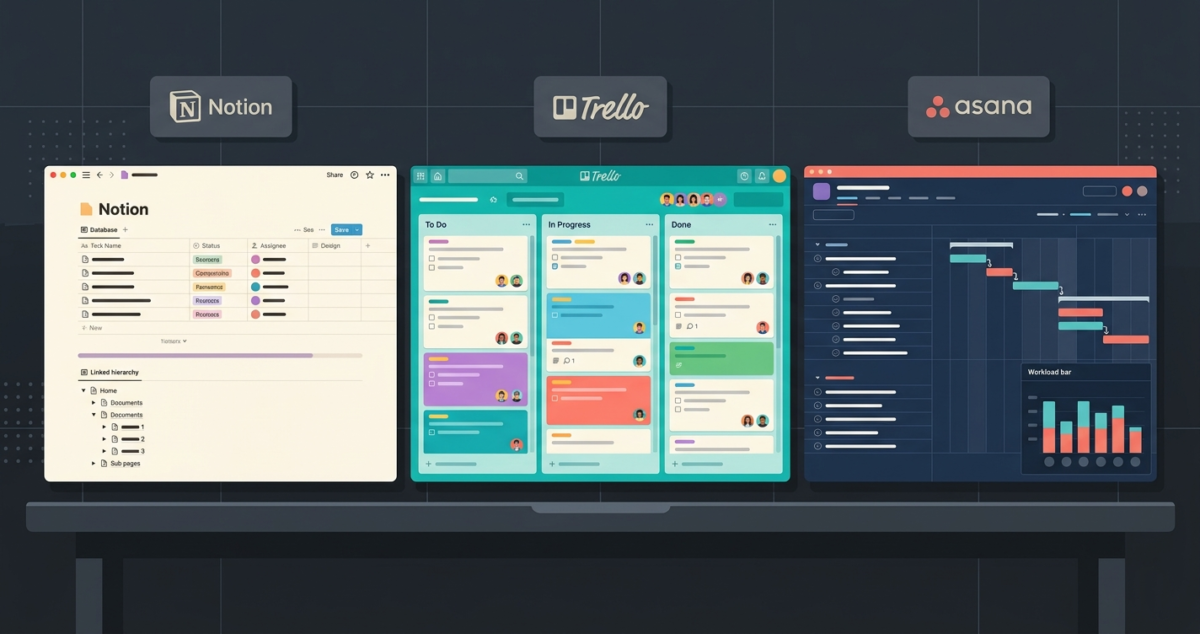
The wrong project management tool does not just waste money; it quietly wastes hours every single week. Tasks fall through the cracks. Deadlines get missed. Teams started using four different apps because nobody agreed on one.
I tested Notion, Trello, and Asana for 60 days across multiple real projects, content calendars, product launches, client work, and team collaboration. This is not a feature-list comparison copied from their pricing pages. It is an honest account of Notion vs Trello vs Asana of what actually works, what does not, and for whom each tool is genuinely built. It is an honest account of what actually works, what does not, and who each tool is genuinely built for. If you have a larger distributed workforce operating across multi-time-zone sprints, see our companion guide on the best project management tools remote teams 2026.
Table of Contents
How We Evaluated These Tools
Every tool was tested against the same five criteria:
– Ease of setup: How quickly can a new user get a project running?
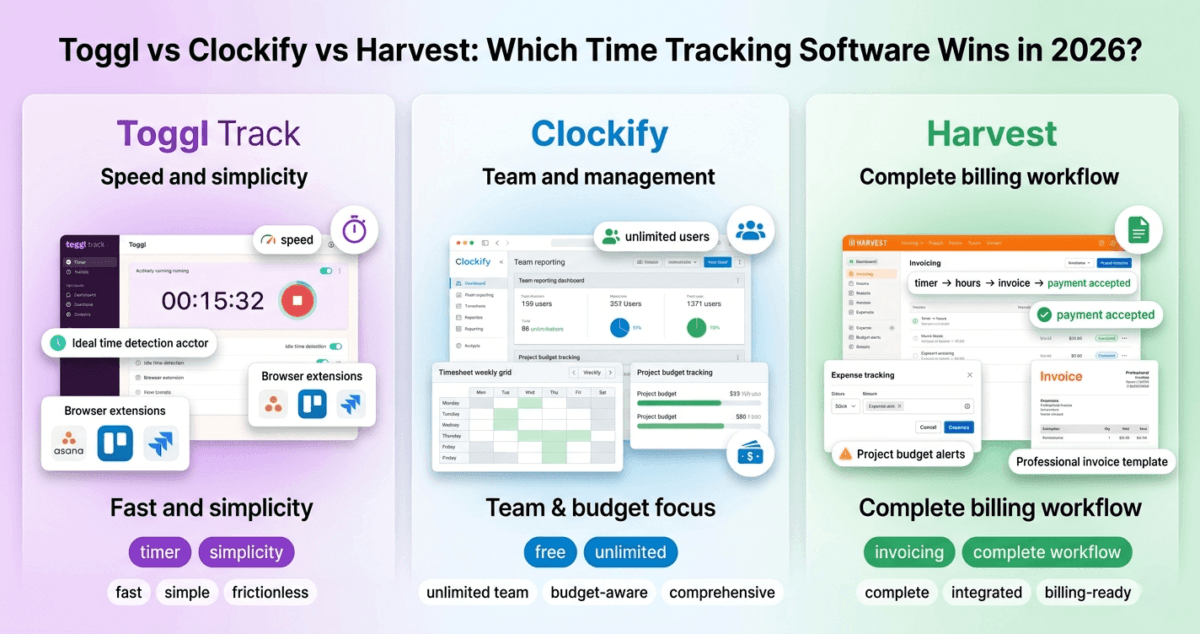
– Task management: How well does it handle deadlines, assignments, and dependencies? While these tools offer basic calendars, if you need deep, minute-by-minute profitability analysis, pair them with the best time tracking software 2026.
– Collaboration: Comments, notifications, sharing, and team workflows
– Views and flexibility: Can you see your work as a board, calendar, list, or timeline?
– Value for money: Does the free plan hold up, and is the paid plan worth it?
Each tool was used by at least one person on a real ongoing project, not just a demo environment.
Notion Review: Best for Flexible Teams and Knowledge Management
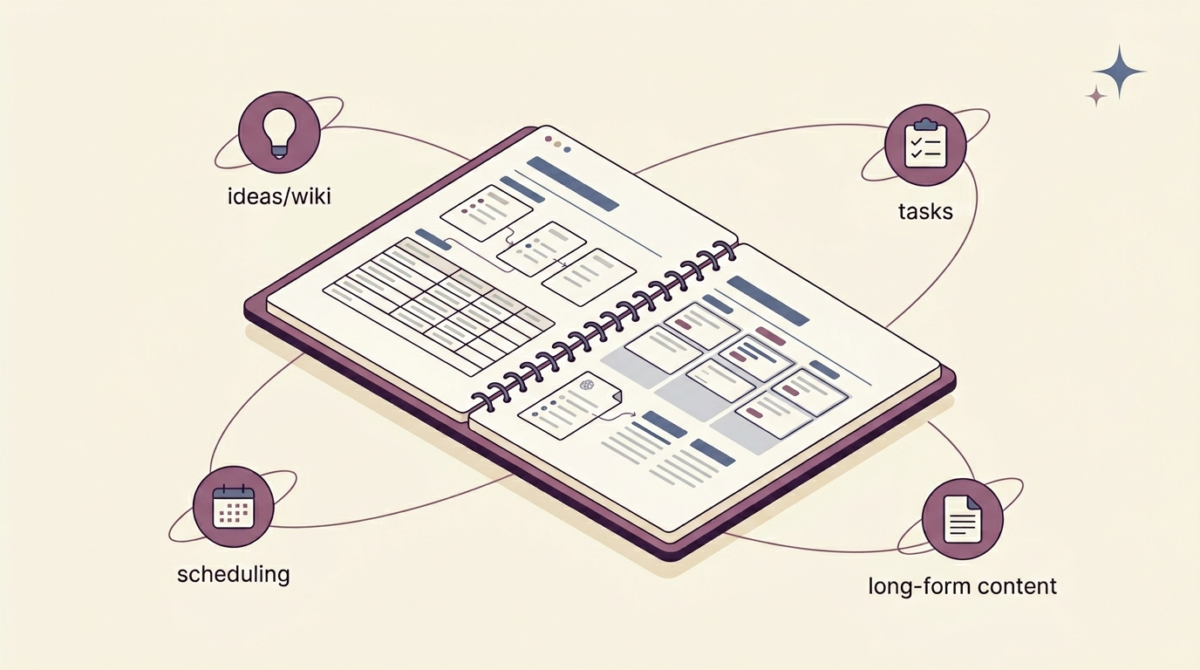
Notion is not a traditional project management tool. It is more accurately described as an all-in-one workspace, part wiki, part database, part task manager, part note-taking app. That flexibility is its greatest strength and, for some people, its greatest weakness.
What Notion does well
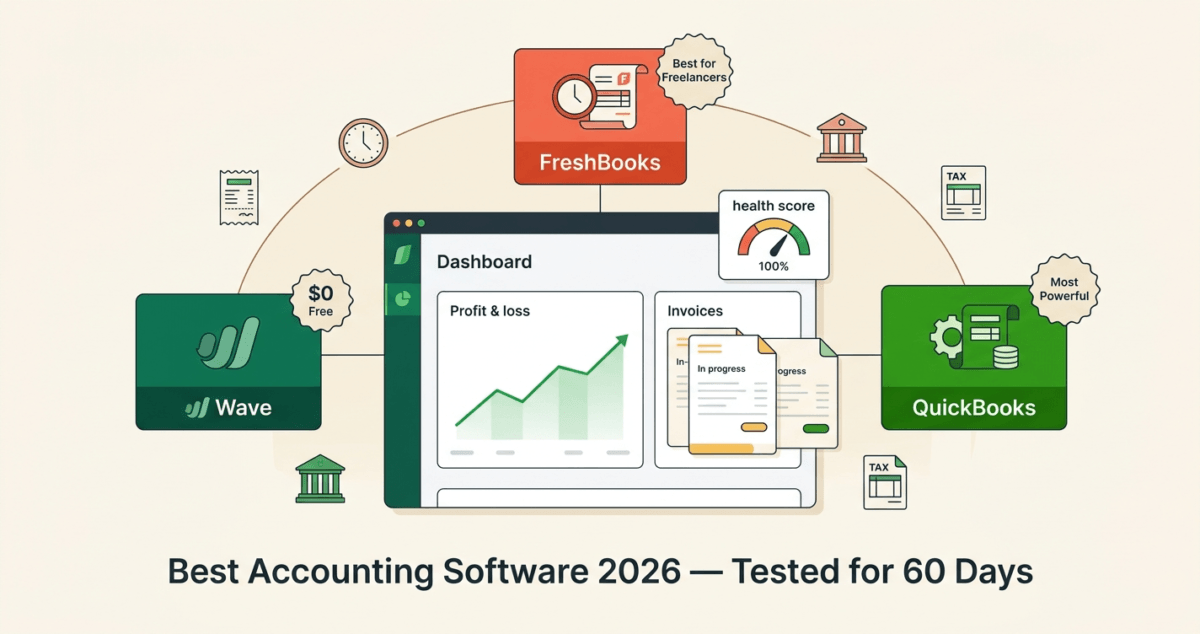
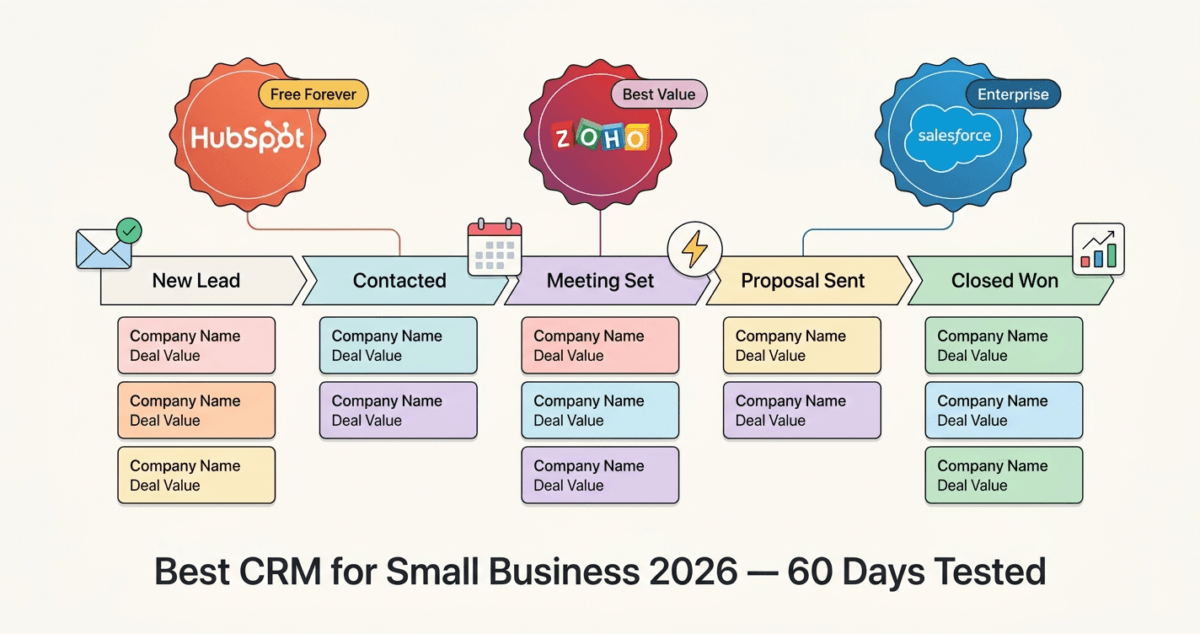
Notion lets you build almost any system you can imagine. You can create a project tracker, a content calendar, a CRM, a team wiki, a personal journal, and a meeting notes database, all inside one workspace, all linked together. Though you can build a rudimentary sales pipeline in Notion, scaling businesses will benefit more from dedicated best CRM software small business 2026. While Notion is an excellent environment for managing daily operations, you will still need a proper system to handle your business finances, taxes, and invoices. To complete your setup, consider pairing your workspace with one of our top picks for the best Accounting software for small businesses in 2026.
The database system is particularly powerful. Every page in Notion can be turned into a database entry, and every database can be viewed as a table, board (Kanban), calendar, gallery, list, or timeline. You switch between views with a single click, and filters let you slice the data any way you need.
For teams that produce a lot of content, blog posts, documentation, SOPs, and research, Notion is unmatched. You can link your project tracker directly to your content database, so a blog post moves from “idea” to “in progress” to “published” while staying connected to the brief, the draft, and the notes from the planning meeting.
In 2025, Notion significantly upgraded its AI features. Notion AI can now summarize long pages, autofill database properties, generate first drafts, and answer questions about your workspace. It adds $8/month per user to any plan.
Where Notion falls short
Notion has a steep learning curve. Setting up a proper project management system from scratch takes real time and thought. New users often feel overwhelmed by the blank canvas.
Notifications are also a known weakness. Notion’s notification system is less reliable than Asana’s; it is easy to miss a comment or an update if you are not actively checking the app. For teams that need tight deadline tracking with automatic reminders, Notion requires more manual setup to replicate what Asana does out of the box.
Notion pricing
– Free: Unlimited pages, up to 10 guests, limited block history
– Plus: $10/user/month (billed annually), unlimited file uploads, 30-day history, 100 guests
– Business: $15/user/month, advanced permissions, 90-day history, SAML SSO
– Enterprise: Custom pricing
– Notion AI: Add $8/user/month to any plan
Notion: Pros and Cons
Pros:
– Extraordinarily flexible, build any system you need
– Excellent for documentation, wikis, and knowledge management
– Multiple database views (board, calendar, table, timeline, gallery)
– Strong free plan for individuals and small teams
– Notion AI is genuinely useful for content teams
– One tool can replace Trello, Google Docs, and Confluence combined
Cons:
– Steep learning curve, takes time to set up properly
– Weak notification system compared to dedicated PM tools
– No built-in time tracking or workload management
– Can become chaotic if a team does not agree on structure
– Mobile app is slower and less polished than the desktop version
Best for: Content teams, solo creators, startups, agencies, and anyone who wants a single flexible workspace instead of five separate apps.
Trello Review: Best for Visual, Simple Task Management
Trello is the original Kanban board app, and in 2026 it remains the simplest and most visually intuitive project management tool available. If you have never used a project management tool before, Trello is almost certainly where you should start.
What Trello does well
Trello’s entire interface is built around boards, lists, and cards. A board is a project. Lists are stages (To Do, In Progress, Done). Cards are tasks. You drag cards from one list to another as work progresses.
That is essentially the whole system, and for many teams, it is all they need.
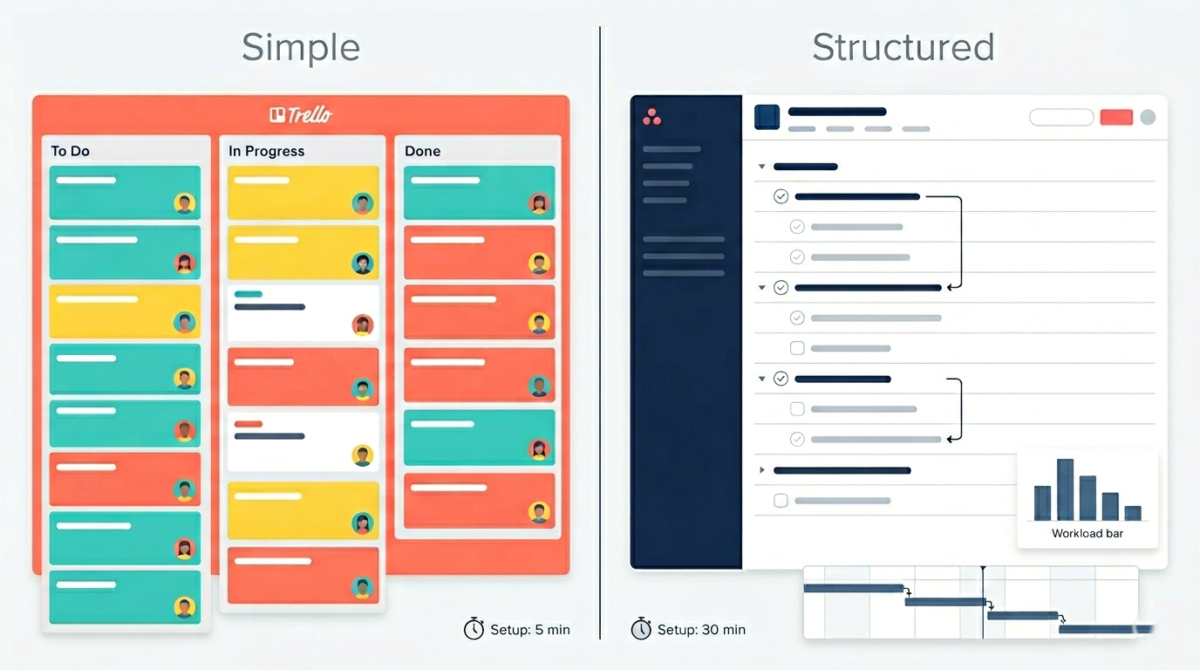
Setting up a Trello board takes minutes, not hours. There is almost no learning curve. You create a board, add some lists, create some cards, assign them to people, add due dates, and you are working. The visual simplicity is Trello’s superpower.
Trello also has a strong free plan. Unlike many competitors, Trello’s free tier gives you unlimited cards and unlimited members across up to 10 boards. For small teams managing a handful of projects, Trello free is genuinely sufficient.
Power-Ups (Trello’s name for integrations and add-ons) significantly expand what Trello can do. Calendar view, timeline view, time tracking, and integrations with Slack, Google Drive, and Jira are all available. Free accounts get one Power-Up per board; paid plans get unlimited.
Where Trello falls short
Trello’s simplicity becomes a limitation as projects grow in complexity. There are no native task dependencies; you cannot say “Task B cannot start until Task A is complete.” There is no workload management view showing you how much work each team member has. There is no built-in goal tracking or portfolio view across multiple projects.
Reporting is also minimal. If you need to show a client or executive how a project is progressing with data and charts, Trello requires third-party Power-Ups to get anywhere close to what Asana provides natively.
Trello pricing
– Free: Unlimited cards, up to 10 boards, 1 Power-Up per board, 10MB file limit
– Standard: $5/user/month (billed annually), unlimited boards, unlimited Power-Ups, 250MB files
– Premium: $10/user/month, advanced views (timeline, calendar, dashboard), unlimited automation
– Enterprise: $17.50+/user/month, organisation-wide controls, security features
Trello: Pros and Cons
Pros:
– Easiest tool to learn, new users are productive within minutes.
– Visual Kanban interface is intuitive and satisfying to use
– Generous free plan (unlimited cards and members, 10 boards)
– Lowest paid plan price at $5/user/month
– Great for freelancers, small teams, and simple workflows
– Excellent mobile apps on iOS and Android
Cons:
– No task dependencies for complex project planning
– No native workload or capacity management
– Limited reporting and analytics on lower plans
– Timeline and calendar views require paid plan
– Scales poorly for large teams with complex, multi-project workflows
– Power-Up dependency for advanced features means more setup
Best for: Freelancers, small teams, creative agencies, and anyone managing straightforward projects that fit a simple “to do / in progress / done” workflow.
Asana Review: Best for Structured Teams with Deadlines and Dependencies
Asana is the most fully-featured project management tool of the three. It is built specifically for teams that need to track complex projects with multiple dependencies, clear ownership, deadline accountability, and management-level visibility.
What Asana does well
Asana’s task management is the most robust of these three tools. Every task can have a due date, an assignee, subtasks, dependencies, attachments, custom fields, and a full comment thread. You can mark a task as blocking another task, so your team always knows what order work needs to happen in.
The views are excellent. Asana offers list view, board view, timeline (Gantt chart), calendar, and workload view. The workload view is particularly valuable for managers; it shows you at a glance which team members are over-capacity and which have room for more work, letting you rebalance assignments before deadlines are missed.
Goal tracking is a standout feature. You can set team and company goals in Asana and connect projects directly to those goals, so everyone can see how their daily work connects to bigger objectives. This is something neither Notion nor Trello offers natively.
Asana’s automation is also strong. You can create rules that automatically move tasks, assign work, send notifications, or update fields when certain conditions are met, without any coding.
Asana AI (introduced in 2024 and expanded in 2025) can now draft project briefs, summarize task threads, suggest next steps, and flag projects that are at risk of missing their deadlines.
Where Asana falls short
Asana is the most expensive option here. The free plan is limited to 10 team members and basic features. The Premium plan at $10.99/user/month is where most teams actually need to be, and for a team of five that is $55/month, meaningfully more than Trello.
Asana also has a learning curve, not as steep as Notion, but steeper than Trello. The sheer number of features means new users need time to find their footing. Some teams report feeling overwhelmed by all the options.
Unlike Notion, Asana is purely a project management tool. It does not store documentation, meeting notes, or long-form content well. Most teams using Asana also use Google Docs or Notion alongside it for their knowledge base.
Asana pricing
– Personal (free): Up to 10 users, unlimited tasks and projects, list and board views
– Starter: $10.99/user/month (billed annually), timeline, workflow builder, 500 automations/month
– Advanced: $24.99/user/month, workload management, goals, portfolios, advanced reporting
– Enterprise / Enterprise+: Custom pricing
Asana: Pros and Cons
Pros:
– Most powerful task management of the three dependencies, subtasks, and custom fields
– Excellent views: list, board, timeline, calendar, workload
– Built-in goal tracking and portfolio management
– Strong automation without any coding
– Best notification and deadline reminder system
– Asana AI helps flag at-risk projects early
– Scales well from small teams to large organizations
Cons:
– The most expensive option, the Premium plan, adds up quickly for larger teams
– Free plan limited to 10 users with fewer features
– No built-in documentation or knowledge base
– Steeper learning curve than Trello
– Can feel like overkill for simple personal projects
– Workload view only available on Advanced plan
Best for: Growing teams, agencies with multiple client projects, product and engineering teams, and any organization that needs reliable deadline tracking, task dependencies, and management-level reporting.
Side-by-Side Feature Comparison
Feature | Notion | Trello | Asana |
Free plan | Yes (generous) | Yes (generous) | Yes (10 users) |
Kanban board | Yes | Yes (core feature) | Yes |
Timeline / Gantt | Yes (paid) | Yes (paid Power-Up) | Yes (paid) |
Calendar view | Yes | Yes (paid Power-Up) | Yes |
Workload view | No | No | Yes (Advanced plan) |
Task dependencies | Limited | No | Yes |
Goal tracking | No | No | Yes |
Automation | Limited | Yes (paid) | Yes (paid) |
AI features | Yes (+$8/mo) | No | Yes (paid plans) |
Knowledge base / docs | Excellent | None | Limited |
Mobile apps | Good | Excellent | Good |
Starting paid price | $10/user/mo | $5/user/mo | $10.99/user/mo |
Pricing Breakdown: Which Tool Gives You the Best Value?
For a team of three people, billed annually:
– Trello Standard: $5 × 3 = $15/month
– Notion Plus: $10 × 3 = $30/month
– Asana Starter: $10.99 × 3 = $33/month
For a team of ten people, billed annually:
– Trello Standard: $5 × 10 = $50/month
– Notion Plus: $10 × 10 = $100/month
– Asana Starter: $10.99 × 10 = $109.90/month
Trello is consistently the most affordable option. Notion and Asana are comparable in price at the entry paid tier, though Asana’s most useful features (workload, goals) sit behind the $24.99/user Advanced plan.
Which Project Management Tool Is Right for You?
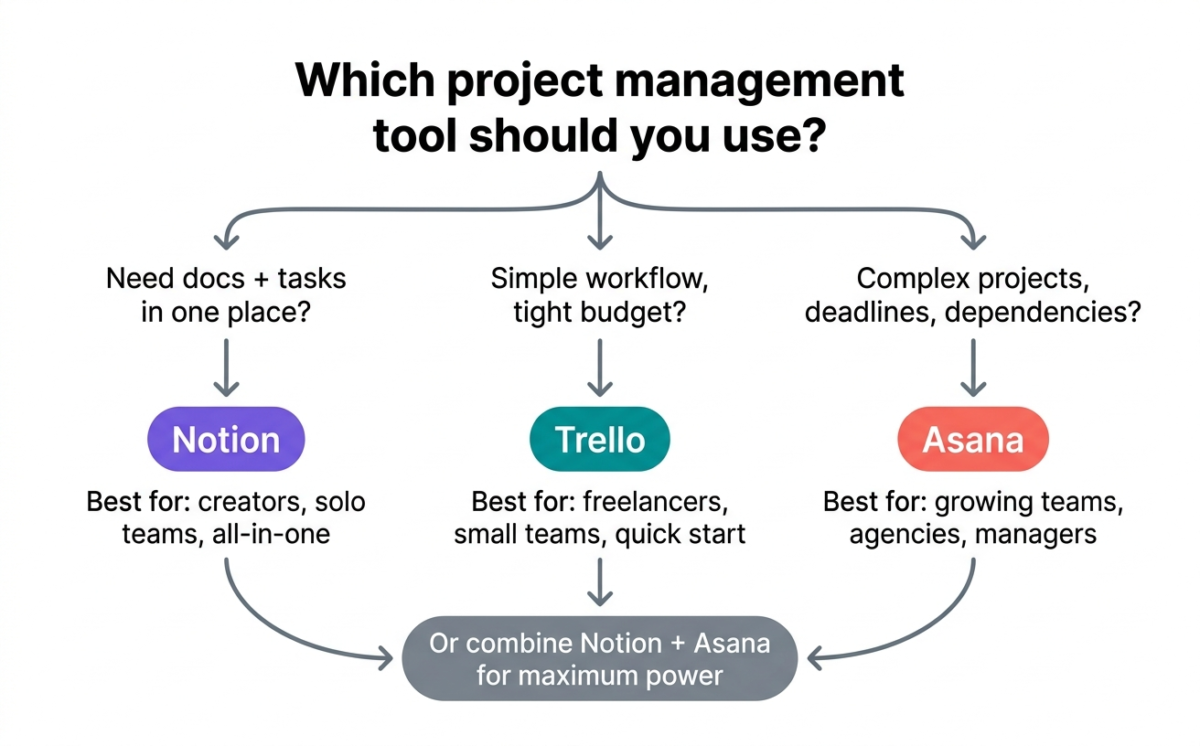
Choose Notion if:
You want one tool to replace several. If your team needs project tracking AND a knowledge base AND meeting notes AND a content calendar, Notion handles all of it in one place. It rewards the time you invest in setting it up, and the free plan is surprisingly capable for individuals and small teams.
Choose Trello if:
You want to get started today without any setup friction. Trello’s free plan is the best of the three for simple projects. If your workflow genuinely fits a Kanban board and you are not managing complex dependencies or large teams, Trello is all you need, and it costs less.
Choose Asana if:
Your team has deadlines that cannot slip and projects with multiple moving parts. Asana’s dependency tracking, workload management, and goal visibility make it the most powerful tool for teams that need real accountability and reporting. It is the tool managers tend to choose.
Use Notion + Asana if:
You are a content or product team that needs both strong project tracking (Asana) and a shared knowledge base (Notion). This combination is common among professional teams and covers everything.
Final Verdict
There is no single best project management tool only the best tool for your specific situation.
Trello earns its place as the best entry-level tool. Free, fast to start, and visually satisfying. If you have never used a PM tool before, start here.
Asana is the best pure project management software for teams that need structure, accountability, and visibility. Its task dependencies, workload view, and goal tracking are features that growing teams genuinely need.
Notion is the best all-in-one workspace. It is not the best dedicated PM tool, but if you are willing to invest time in setting it up, it can replace more apps than any other tool on this list.
Our recommendation for most small teams in 2026: Start with Trello free. When your projects outgrow it, move to Asana Starter. If your team produces a lot of written content alongside your projects, add Notion as your knowledge base.
Ratings:
– Notion: 4.4 / 5
– Trello: 4.2 / 5
– Asana: 4.6 / 5
Frequently Asked Questions
Is Notion better than Asana?
It depends on what you need. Notion is better for documentation, knowledge management, and flexible all-in-one workspaces. Asana is better for structured project tracking with task dependencies, deadline accountability, and team workload management. Many professional teams use both together.
Is Trello good for teams?
Yes, for small teams with simple workflows. Trello works very well for teams of up to around 10 people managing straightforward projects. For larger teams or projects with complex dependencies, Trello’s limitations become significant and tools like Asana are a better fit.
What is the best free project management tool in 2026?
For simplicity: Trello is free (unlimited cards, 10 boards). For power: Notion is free (unlimited pages, solid database features). For structured team work: Asana Personal (up to 10 users with basic task management). All three free plans are genuinely usable, not stripped-down trials.
Can you use Notion as a project management tool?
Yes, but it requires setup. Notion is not a project management tool out of the box; it is a blank canvas. With the right templates and database structure, it becomes an excellent PM tool. Many users start with Notion’s free project management templates to shortcut this process.
Is Asana worth the price?
For growing teams managing multiple projects with real deadlines, yes. Asana’s Starter plan at $10.99/user/month is expensive compared to Trello, but the task dependencies, timeline view, and automation features save teams significant time every week. The Advanced plan at $24.99/user/month is harder to justify unless you specifically need workload management or goal tracking.
Which is easier to use: Notion, Trello, or Asana?
Trello is the easiest; most new users manage tasks within 10 minutes. Asana has a moderate learning curve but good onboarding guides. Notion has the steepest learning curve because its flexibility means you have to make many decisions upfront about how to structure your workspace.
Does Asana have a free plan?
Yes. Asana’s Personal plan is free for up to 10 team members and includes unlimited tasks and projects with list and board views. It does not include the timeline view, automation, or advanced reporting, which require the paid Starter plan.
What is the best project management software for freelancers?
Trello free or Notion free. Freelancers rarely need the complexity of Asana. Trello’s simple Kanban boards are perfect for tracking client projects, and Notion’s free plan lets you combine project tracking with client notes and invoicing templates in one place. However, if you are managing multiple regular clients, you will save hours by pairing your workspace with specialized invoicing software freelancers 2026.